Pet photo
Calm motion around a grounded scene
Use gentle camera push and soft background atmosphere when you want a pet photo to feel more alive without overpowering the original frame.
Turn a still photo into a moving scene with gentle motion and MP4 export
Interactive Generator
Upload a still image, describe the camera motion, then export a short MP4 clip. The full tool loads as an enhanced client experience.
Prompt
What you can control
Browser-Based · MP4 Export · Best for Pets, Landscapes, and Old Photos
Animate Photo
Compare the original frame with the animated result. Add gentle camera drift, subtle depth, and atmosphere while keeping the source photo recognizable.
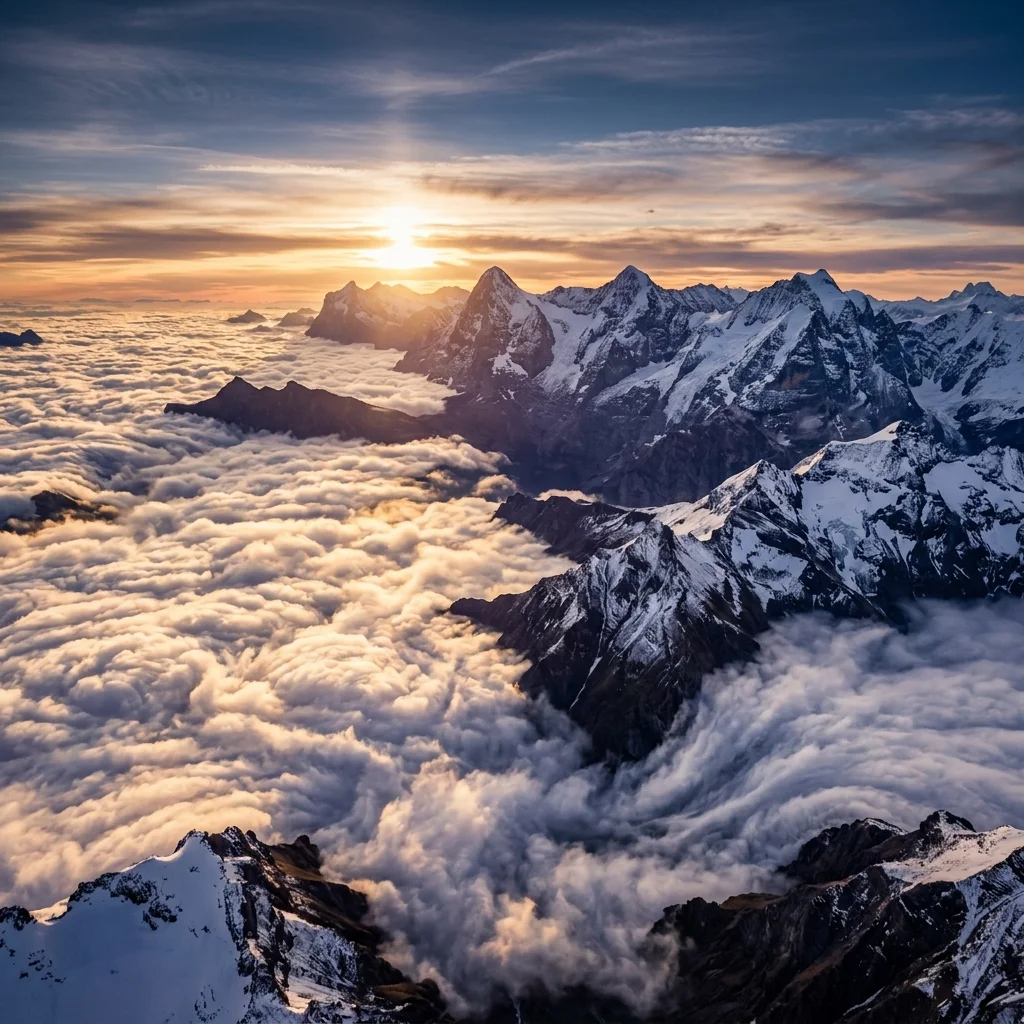
Photo animation examples
Use subtle motion differently depending on the frame. Pets benefit from gentle camera energy, landscapes respond well to clouds and light, and old printed photos work best with layered depth.
Pet photo
Use gentle camera push and soft background atmosphere when you want a pet photo to feel more alive without overpowering the original frame.
Landscape photo
Travel and outdoor shots often animate best with moving clouds, water texture, and slow camera drift across the scene.
Old printed photo
Old printed photos tend to work best with soft zoom, gentle parallax depth, and restrained atmosphere that preserves the mood of the original scene.
What kinds of photos animate best?
The strongest results usually come from clear still photos with visible depth, stable composition, and natural scene elements that can support subtle motion.
Photos with a readable subject, stable framing, and low visual clutter give the model a cleaner foundation for subtle motion and more predictable results.
Frames that separate near and far elements are easier to animate with parallax-style depth, camera push, and restrained scene movement.
Landscapes, travel shots, and pet photos outdoors are strong candidates because clouds, leaves, haze, water, and light naturally support atmospheric motion.
Old photos with visible background layers, architecture, streets, or environmental context usually respond better than tightly cropped frames.
Photo animation prompt ideas
Short prompts that describe camera movement, weather, light, and environmental motion tend to produce cleaner photo animation results than broad cinematic instructions.
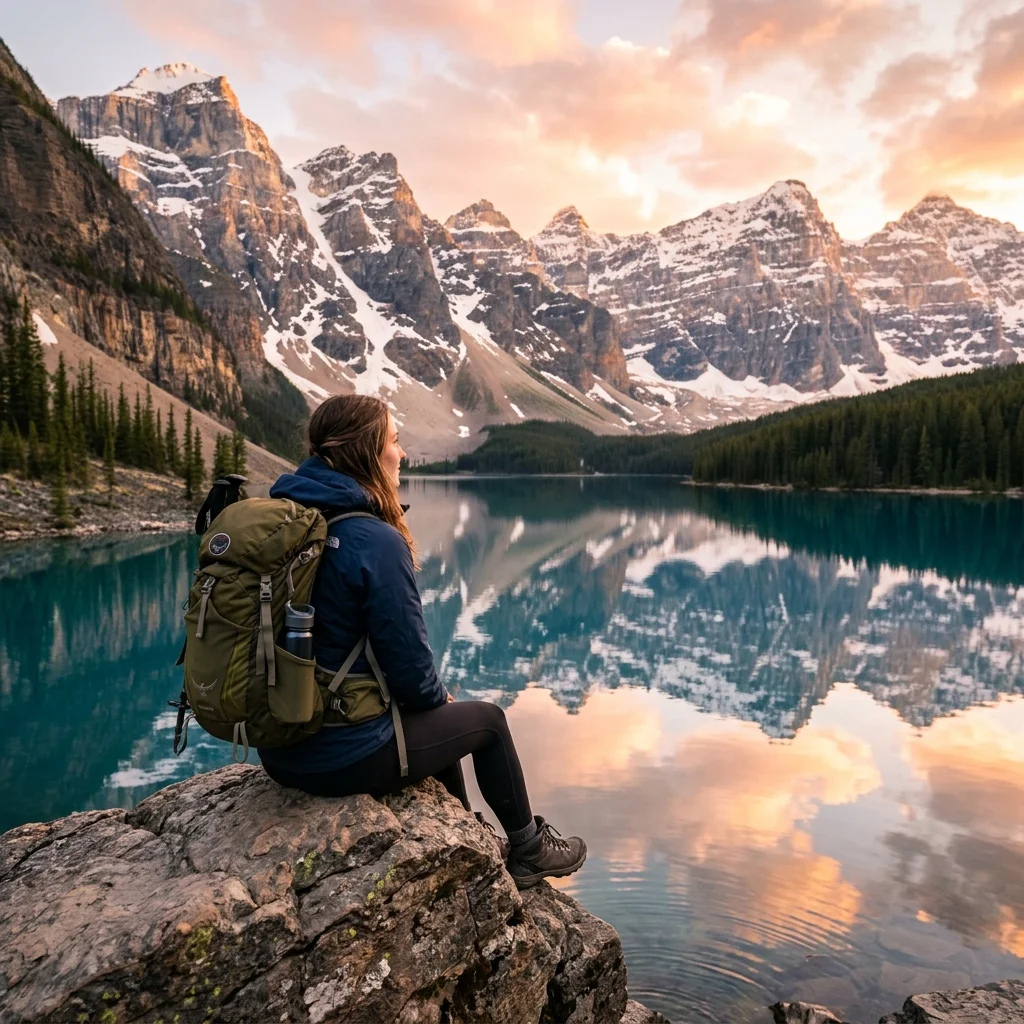
Landscape
gentle camera drift over a mountain lake
Use for wide nature scenes where the goal is steady movement across the frame rather than dramatic motion.
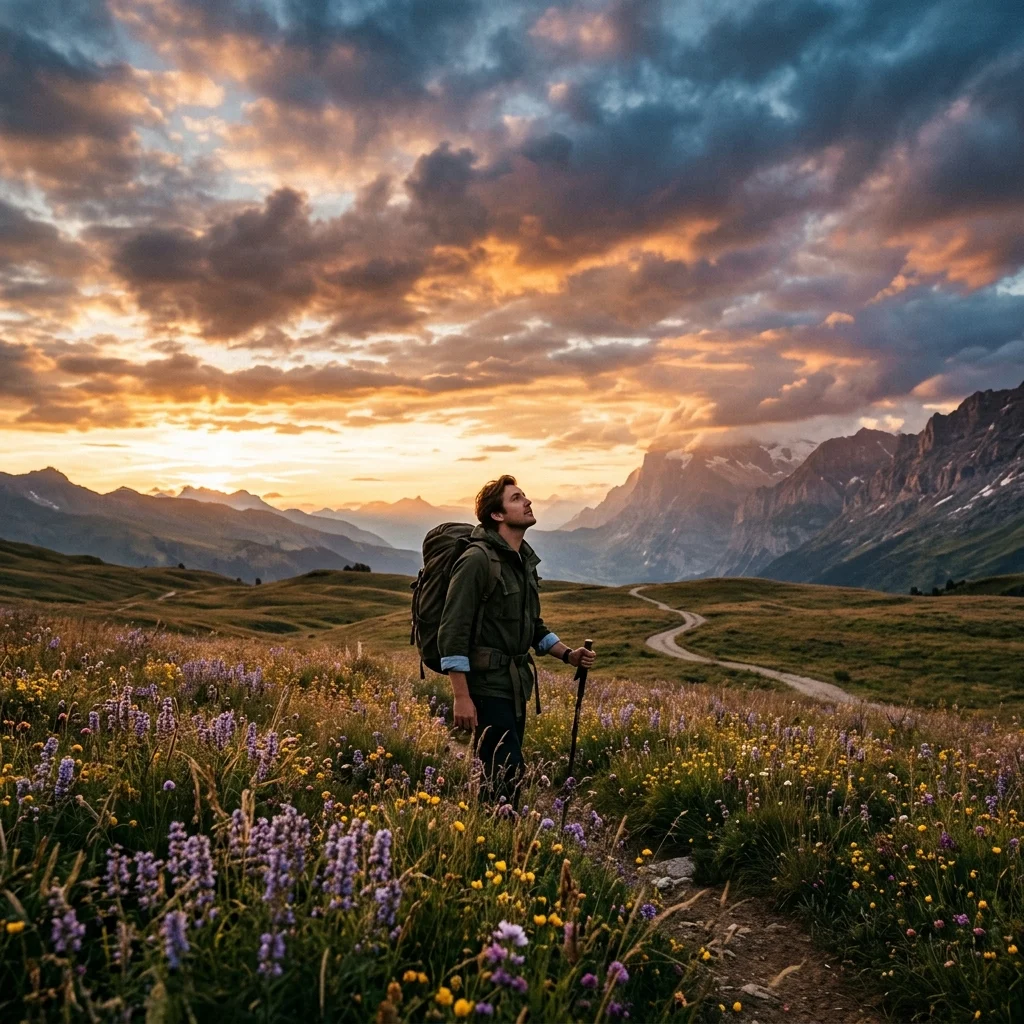
Travel photo
slow cloud movement and soft light across the frame
Works well when the sky and ambient light are the main sources of scene atmosphere.
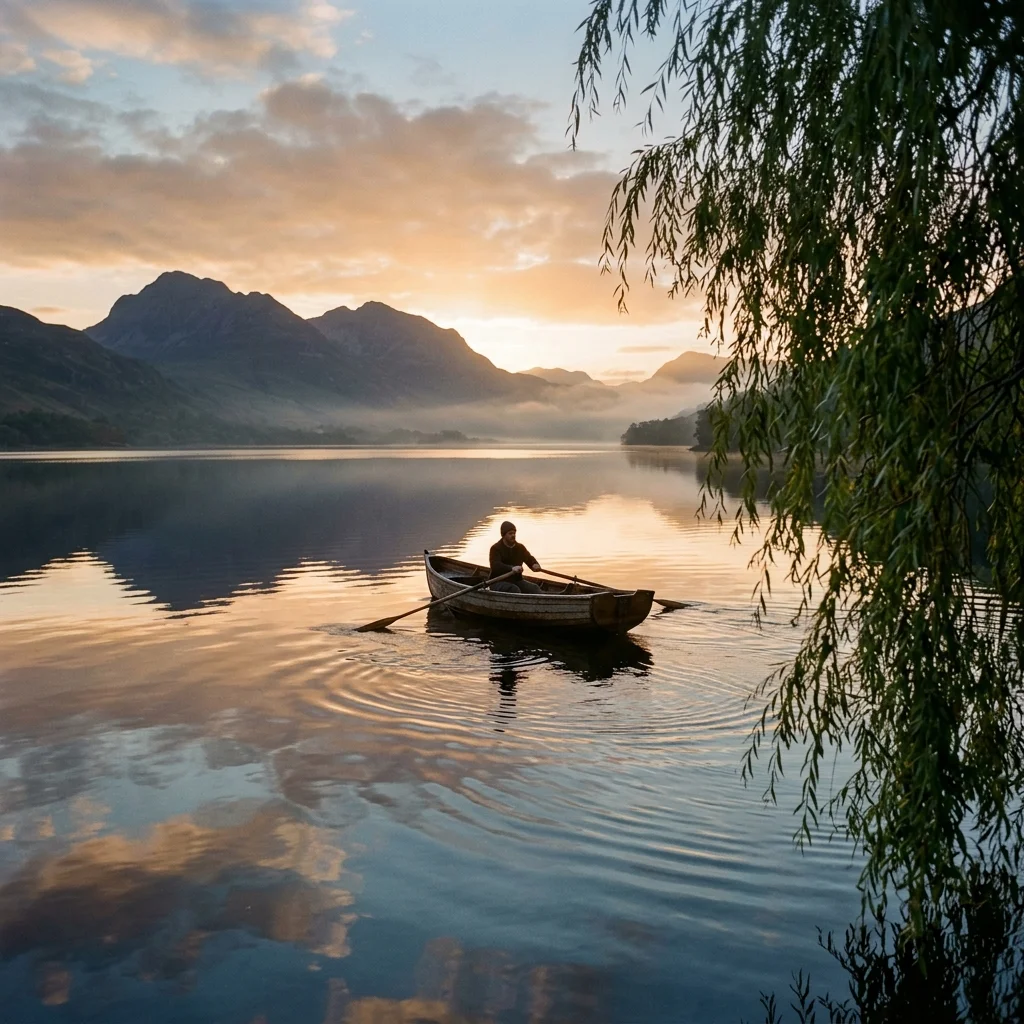
Water scene
water ripple across the scene and light breeze
A good fit for lakes, rivers, shorelines, and reflections where the water can carry gentle motion.
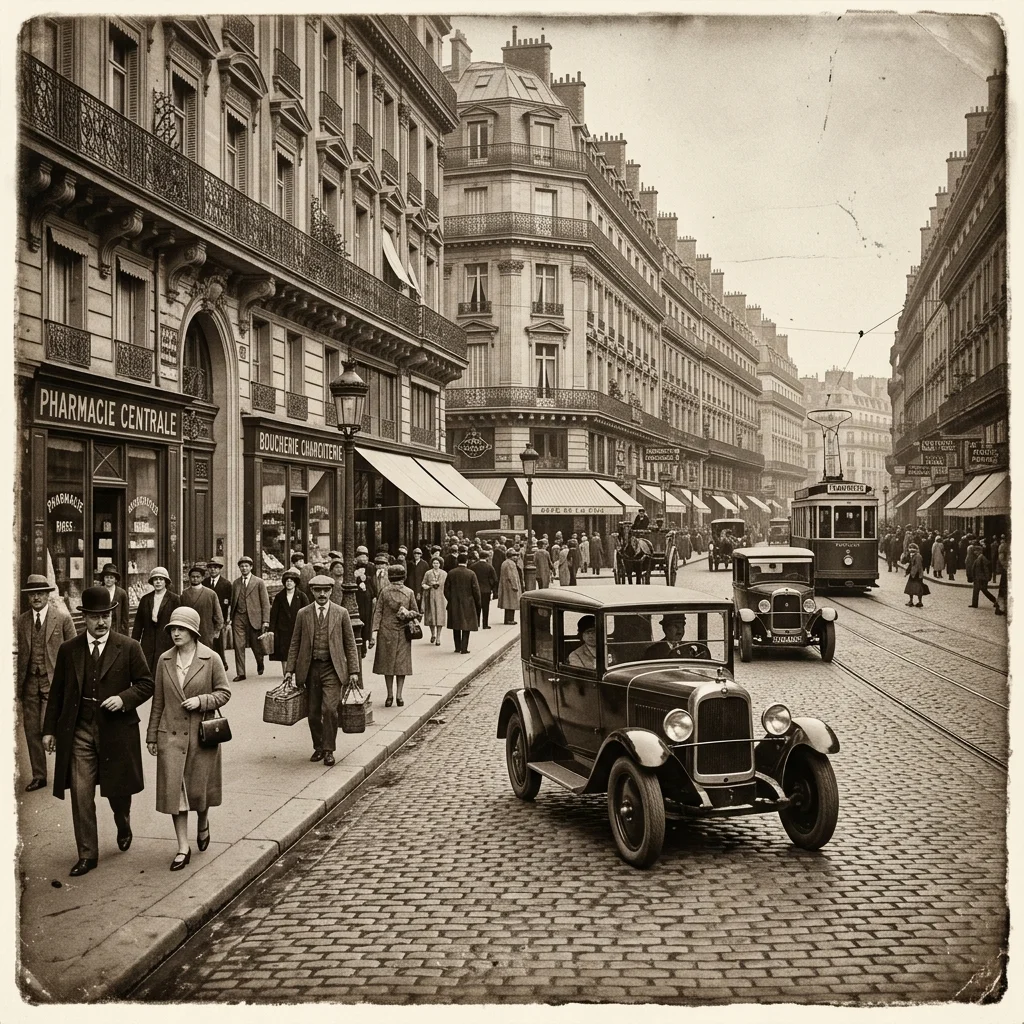
Old printed photo
soft zoom with layered scene depth
Best for archival images with streets, buildings, or visible environmental depth that can support restrained parallax.
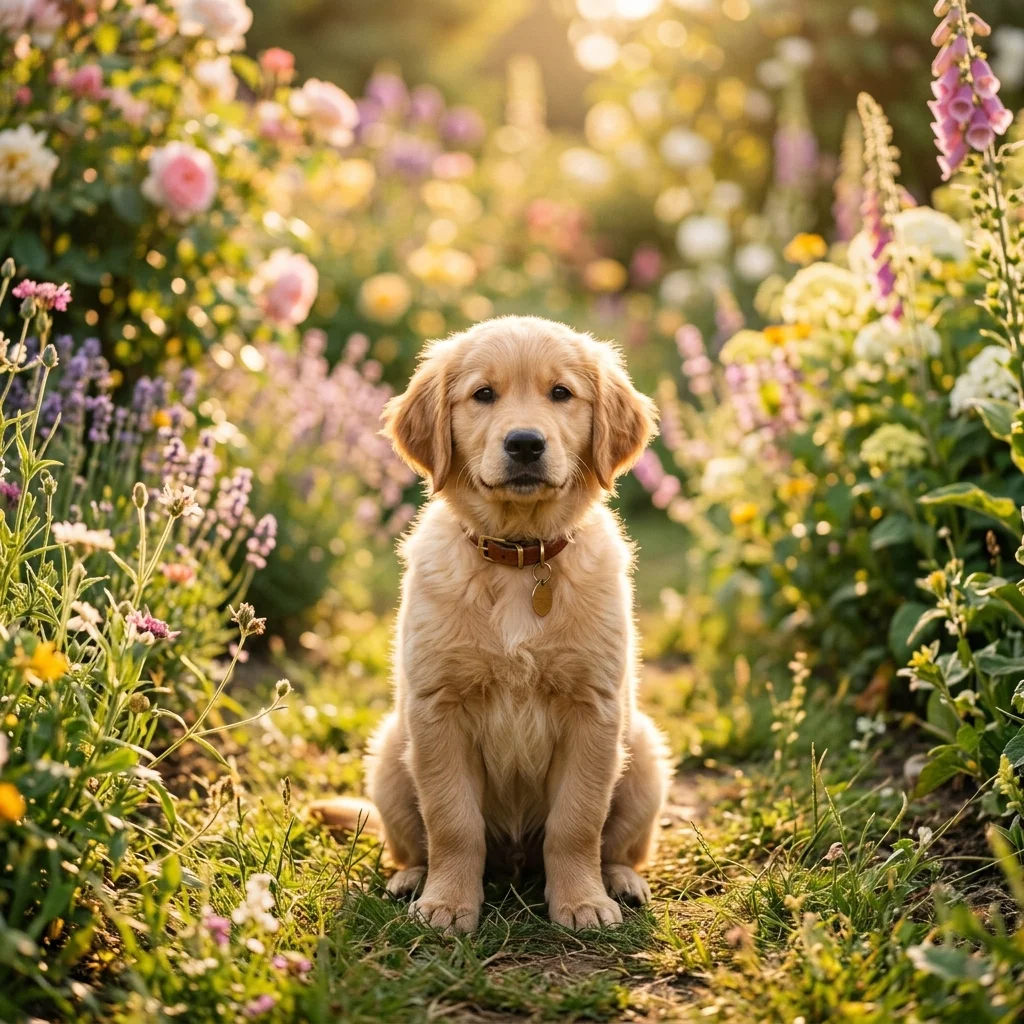
Pet photo
calm camera push with gentle outdoor atmosphere
Useful for pet photos with gardens, parks, or natural backgrounds where light wind and camera movement can carry the animation.
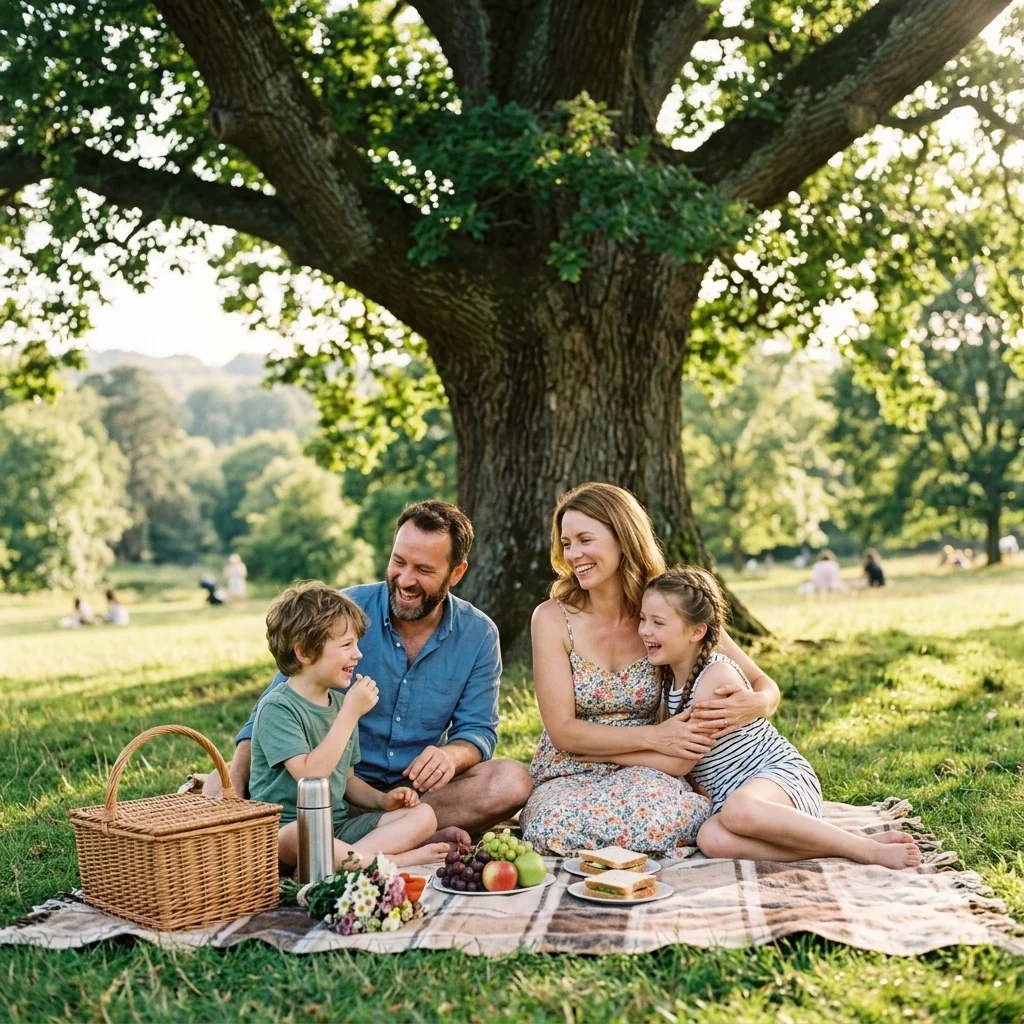
Forest or park
light wind moving through leaves and grass
Choose this when foliage and ground texture matter more than direct subject motion.
How It Works
Upload a still photo, describe the scene motion you want, and export a short video clip in a browser-based workflow.
Start with a clear JPG, PNG, or WebP photo. Crisp images with stable composition usually produce the best results.
Prompt for gentle zoom, camera drift, moving clouds, water ripple, or soft breeze through trees to shape the scene atmosphere.
Preview the animated clip, adjust if needed, and download an MP4 video clip for sharing or editing.
Photo Use Cases
Different photos respond to different motion styles. The best results come from matching the prompt to the kind of scene you already have in the still frame.
Pet photos work best when the surrounding environment carries the motion. Gentle camera push, outdoor background movement, and soft atmosphere usually feel more natural than aggressive effects.
Landscape scenes are ideal for drifting light, cloud movement, water texture, haze, and slow camera drift because the environment already supports broad, atmospheric motion.
Old printed photos usually benefit from layered depth and soft zoom. The goal is to preserve the original mood while adding subtle scene movement to the frame.
Keepsake scenes work best with subtle frame movement, soft light changes, and quiet atmosphere. This keeps the animation respectful to the original photo while still adding motion.
Controls and Export
Once the motion direction is clear, the remaining decisions are mostly about workflow, output format, aspect ratio, and how cleanly the original photo translates into a short clip.
Upload, generate, preview, and export in the browser without installing editing software.
Move from uploaded photo to exported clip quickly when you need a short video without a full edit session.
Generate vertical, square, or landscape clips depending on where you want to share your animated photo.
Describe camera drift, light movement, sky motion, water ripple, and other atmosphere cues with simple prompts.
Test animate photo workflows with free credits before choosing a paid plan.
Sharp photos with strong composition usually give the cleanest motion and most stable scene depth.
FAQ
These questions focus on still-photo inputs, photo-specific prompts, old printed photos, exports, and what kinds of frames tend to animate best.
Upload a still photo, add gentle scene motion, and export a short MP4 clip in minutes.